BUILT IN
Free channels from around the world
QiTV opens with iptv-org's public list of free channels, so it plays the moment you start it. Watch every country, or just one.
- All countries
- United Kingdom
- United States
- Canada
- Australia
- Ireland
- India
- …
FREE IPTV PLAYER — WINDOWS · MACOS · LINUX
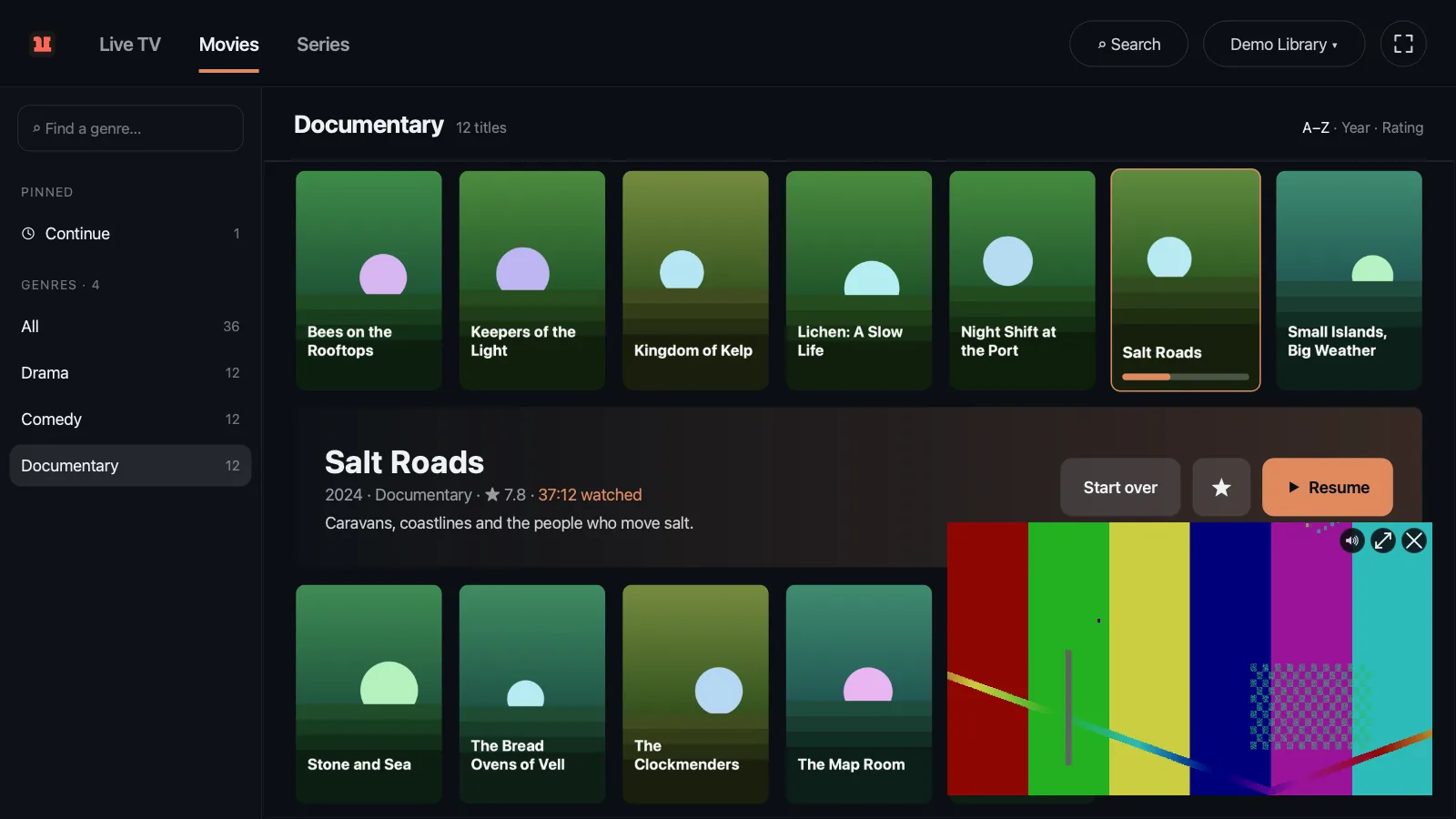
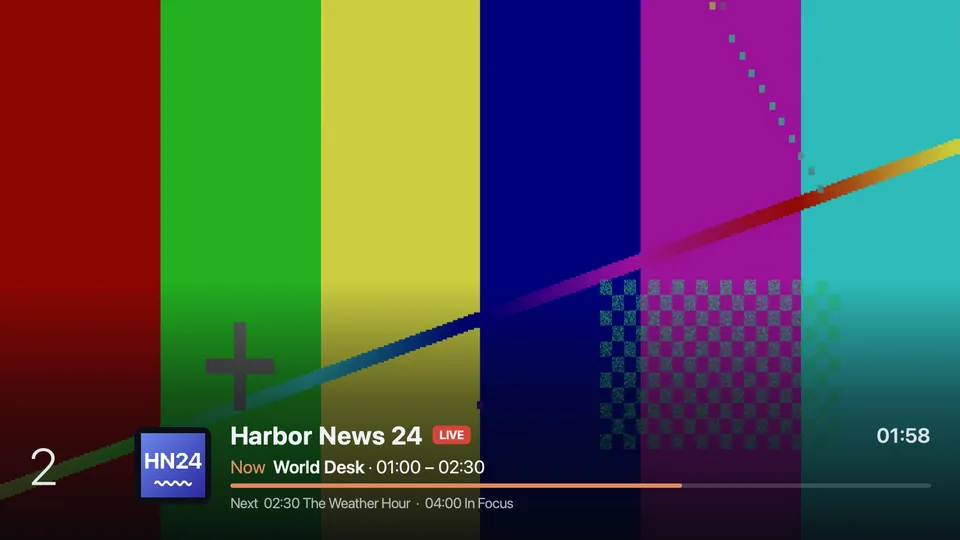
Free channels from around the world are built in. Add your own playlist, Xtream account or portal, and pause, rewind and record live TV, about three seconds behind live.
Get QiTV only here or from GitHub Releases · Source (MIT)


 DEMO CHANNELS
BUILT IN
QiTV opens with iptv-org's public list of free channels, so it plays the moment you start it. Watch every country, or just one.
YOUR PROVIDER
Paste the link your provider gave you and QiTV fills in the rest. Add several and they mix in one channel list, one Library and one history.
QiTV never opens more streams than your account allows, and when something fails it says why.
macOS 13 or newer. Open the .dmg and drag QiTV to Applications. The first time, System Settings → Privacy & Security → Open Anyway.
Run it. There is nothing to install. If Windows says it protected your PC, choose More info → Run anyway.
chmod +x qitv-linux, then start it. An install script adds it to your app menu.
Downloads come straight from GitHub Releases. Copies from other sites may carry malware.